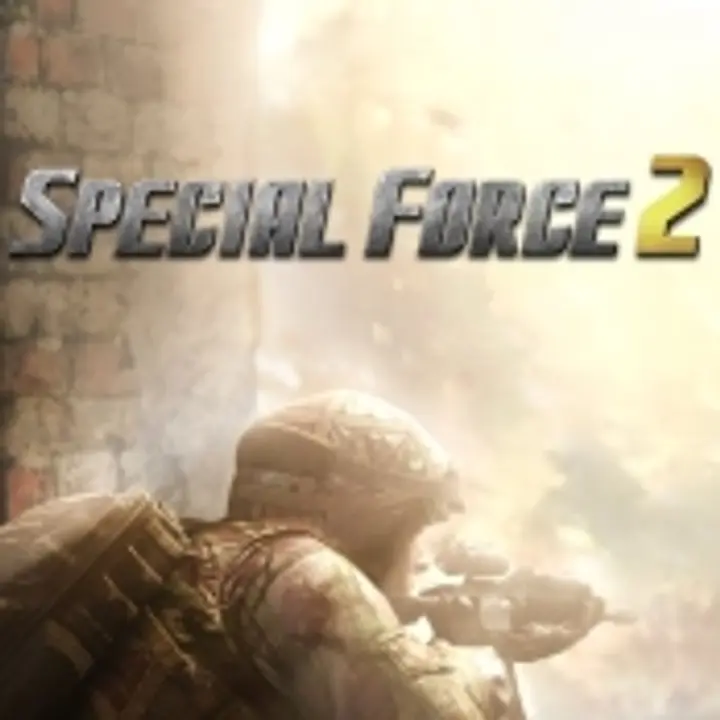
About Special Force 2 (PC)
Special Force 2 (also known as SF2) is a first-person shooter (FPS) game developed by Dragonfly Games and originally published by GameHi. It's the sequel to the highly popular Special Force (also known as SF1), a free-to-play tactical multiplayer FPS. Special Force 2 is designed for PC and features fast-paced combat with an emphasis on team-based tactics, strategy, and individual skill.
Overview of Special Force 2:
- Gameplay:
- Team-based FPS: Players engage in various multiplayer modes where they are divided into teams, typically playing as either counter-terrorists or terrorists, depending on the game mode.
- Multiple Game Modes: SF2 offers a wide range of game modes, including Team Deathmatch, Search and Destroy, Zombie Mode, and Free-for-All, among others.
- Weapons & Equipment: Players have access to a wide variety of weapons, including assault rifles, sniper rifles, shotguns, pistols, and grenades. The game also features a range of tactical equipment like flashbangs, smoke grenades, and body armor.
- Character Classes: Different character classes allow players to specialize in different combat roles, such as assault, sniper, or support, each with distinct abilities and equipment.
- Maps: SF2 includes a variety of maps set in different locations (urban, military bases, etc.) that encourage strategic movement, teamwork, and fast reflexes.
- Visuals:
- The game has 3D graphics with detailed environments, weapons, and character models. The art style is realistic, with destructible objects and dynamic lighting.
- The maps are designed for tactical combat, providing cover and choke points that players must navigate carefully to gain an advantage.
- Customization:
- Weapon Customization: Players can modify their weapons with different attachments like scopes, silencers, and extended magazines.
- Character Skins: Players can unlock or purchase different skins for their characters and weapons, allowing for visual customization.
- Upgrades: Progressing through the game allows players to unlock new gear, weapons, and skins.
- Multiplayer & Community:
- Clan System: Players can join or create clans to play with friends and participate in clan-based events or tournaments.
- PvP: SF2 features ranked matches and casual modes where players can compete against others to improve their skills and rise through the ranks.
- Social Features: The game includes a built-in chat system, leaderboards, and friends lists to foster community interaction.
- Tactical & Strategic Play:
- SF2 is designed to reward tactical thinking and team coordination. It’s not just about aiming and shooting; players need to communicate with their team, secure objectives, and make strategic decisions during gameplay.
- Sound Design: Sound is an important aspect of the game, with footsteps, gunshots, and voice communication all playing a significant role in gameplay.
- Zombie Mode:
- A special PvE mode in Special Force 2 where players fight against waves of zombie enemies. This mode adds variety to the gameplay, offering a more casual experience compared to traditional PvP modes.
- Free-to-Play with Microtransactions:
- Special Force 2 follows a free-to-play model, with revenue generated from in-game purchases such as skins, weapon packs, boosts, and other cosmetic items.
- While the game is free to download and play, players can spend real money for convenience or to acquire premium items.
What is Special Force 2 (PC) - Razer Link on Joytify?
Special Force 2 (PC) - Razer Link on Joytify refers to a partnership or promotion that links Razer, a well-known gaming hardware brand, with Special Force 2 on Joytify, an Indonesian digital gaming store.
Razer Link:
Razer Link is a platform that connects Razer devices (like Razer mice, keyboards, headsets, etc.) with compatible games, enhancing the gaming experience. Razer devices are often equipped with features like customizable lighting, macros, and performance enhancements that work with certain games, including Special Force 2.
When you see "Razer Link" mentioned in the context of Special Force 2, it likely refers to specific Razer gear (such as Razer mice or keyboards) being supported by the game, offering additional features like:
- Customizable lighting effects that react to in-game events (like shooting or taking damage).
- Enhanced gameplay features such as macro support, where you can set up specific key sequences for actions (e.g., quick weapon switching, skill activation).
- Optimization for Razer devices to improve responsiveness, comfort, and control during gameplay.
Special Force 2 (PC) Minimum System Requirements
Here are the minimum system requirements for Special Force 2 (PC):
Minimum System Requirements:
- Operating System (OS): Windows XP, Vista, 7, 8, 10 (32-bit or 64-bit)
- Processor: Intel Core 2 Duo 2.0 GHz or AMD equivalent
- RAM: 2 GB
- Graphics Card: NVIDIA GeForce 8600 GT, ATI Radeon HD 2600, or equivalent (DirectX 9.0c compatible)
- Storage: 4 GB of free space
- DirectX: Version 9.0c or later
- Network: Broadband internet connection
Recommended System Requirements:
For a smoother and more visually appealing experience, it's recommended to meet these specs:
- Operating System (OS): Windows 7, 8, 10 (64-bit)
- Processor: Intel Core i3 3.0 GHz or AMD equivalent
- RAM: 4 GB or more
- Graphics Card: NVIDIA GeForce GTX 660, ATI Radeon HD 7850, or higher
- Storage: 5 GB of free space
- DirectX: Version 11
- Network: Stable broadband internet connection
Tips for Best Performance:
- Ensure you have the latest drivers for your graphics card installed.
- Close unnecessary background applications to free up system resources.
- Lower in-game graphics settings if you're experiencing lag or frame drops.
These specs should help you determine if your PC can handle Special Force 2 effectively.
How to Top Up Special Force 2 (PC) - Razer Link
- Open the website www.joytify.com/en-ph using your PC or smartphone.
- Next, find and select Special Force 2 (PC) - Razer Link.
- Then, choose the desired Top Up amount.
- Afterward, input the quantity you wish to purchase.
- The next step is to choose a payment method. You can pay using E-Wallet (GCash Grabpay, Paymaya), Over Counter (Cebuana), Transfer Bank (BPI, Banco de Oro, Metrobank, Land Bank, UnionBank).
- Enter your account details.
- Provide your Contact email address. Make sure to input an active email that you regularly use.
- Enter any Promo Code you might have. Leave it blank if you don't have one.
- Click Buy Now, and you will receive a payment code. Proceed to make the payment using your chosen method.
- Upon a successful transaction, Items will be promptly delivered to your game account. No need for registration, log-in, voucher code redemption, or entering PIN codes.