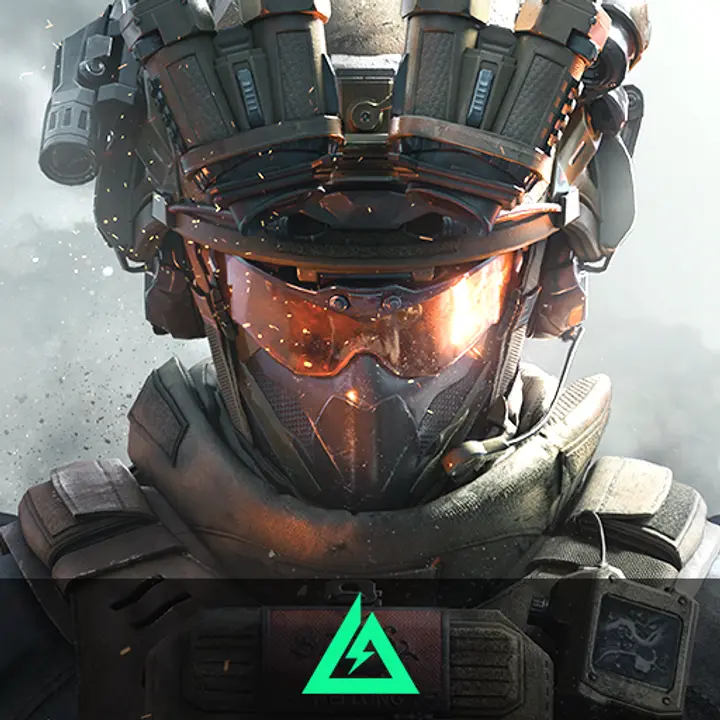
About Delta Force – Non Garena
Delta Force – Non Garena is a tactical first-person shooter (FPS) game developed by NovaLogic. The game focuses on secret military operations, where players take on the role of an elite Delta Force operative tasked with completing challenging and realistic missions. Players will engage in various scenarios, including hostage rescue, target destruction, and infiltration of enemy territories.
Unlike the Garena version, Delta Force – Non Garena is the original release, not distributed through a third-party platform. This version offers both single-player and multiplayer modes, providing players with diverse gameplay options and large maps that encourage strategic planning.
Key Features:
- Realistic Tactical Missions:
Players take part in a variety of secret military operations, ranging from rescuing hostages to infiltrating enemy bases. - Open-World Environments:
The game features large and detailed maps, allowing players to choose their tactics, whether it's stealth infiltration or frontal assault. - Multiplayer Mode:
In addition to single-player missions, players can compete online in modes like Team Deathmatch, Capture the Flag, and Search and Destroy. - Wide Range of Weapons and Equipment:
Players have access to various weapons, including assault rifles, sniper rifles, and grenades, which can be customized based on mission needs.
With its deep gameplay and complex strategy, Delta Force – Non Garena delivers an adrenaline-pumping tactical shooting experience for FPS enthusiasts.
Gameplay:
Delta Force – Non Garena offers tactical first-person shooter (FPS) gameplay, focusing on realistic military operations. Players take on the role of a Delta Force operative, completing missions such as hostage rescue, target elimination, and enemy base infiltration. The game emphasizes strategy, allowing players to choose between stealth or direct combat approaches.
The gameplay features large, open maps, providing freedom to plan tactics. Players can equip a variety of weapons and tools to adapt to different missions. In addition to single-player missions, Delta Force – Non Garena offers multiplayer modes, where players can compete in Team Deathmatch, Capture the Flag, and more.
Characters in Delta Force – Non Garena For Beginner
In Delta Force – Non Garena, choosing the right character is essential for new players to succeed in missions and battles. Below are recommended characters for beginners, each with unique abilities that help players adapt to the game’s tactical environment.
- Ranger (All-Rounder):
The Ranger is a balanced character with decent health, speed, and weapon handling. Suitable for beginners, the Ranger can perform various roles, from frontline combat to stealth missions. - Sniper (Long-Range Specialist):
The Sniper is ideal for players who prefer long-range attacks. Equipped with high-accuracy rifles, the Sniper can eliminate enemies from a distance while staying out of danger. This character is perfect for scouting and taking out key targets. - Assaulter (Close Combat):
The Assaulter is a frontline character with strong offensive capabilities. Armed with automatic rifles, the Assaulter excels in close-range combat, making it ideal for beginners who prefer direct confrontations.
Choosing these beginner-friendly characters allows new players to understand the game mechanics and develop strategies for various missions.
Minimum System Requirements for Delta Force – Non Garena
To play Delta Force – Non Garena smoothly, your device must meet the required minimum specifications. The game is available on PC (Windows) and consoles, such as PlayStation and Xbox.
- PC (Windows):
- OS: Windows 10 (64-bit) or newer
- Processor: Intel Core i5-4460 or AMD Ryzen 3 1200
- RAM: 8 GB
- Graphics: NVIDIA GeForce GTX 960 or AMD Radeon RX 560
- DirectX: Version 11
- Storage: 20 GB of free space
- PlayStation (PS4/PS5):
- System Software: Latest supported version
- Storage: 20 GB of free space
- Display: Supports up to 4K resolution for an optimal gaming experience
- Xbox Series X/S:
- System Software: Latest supported version
- Storage: 20 GB of free space
- Display: Supports up to 4K resolution with a stable frame rate
For the best experience, it is recommended to have a stable internet connection with a minimum speed of 10 Mbps and ensure that your system software is updated before playing the game.
How to Download Delta Force – Non Garena:
- PC (Windows):
- Visit the Official Website: Go to the official Delta Force website or trusted platforms like Steam or Epic Games Store.
- Search for the Game: Type "Delta Force" in the search bar.
- Download and Install: Click Download or Install and follow the on-screen instructions. Ensure your PC has enough storage.
- Login and Play: Once installed, log in with your account to start playing.
- PlayStation (PS4/PS5):
- Access PlayStation Store: Open the PlayStation Store from your console.
- Search for Delta Force: Use the search bar to find the game.
- Download: Click Get or Download and wait for the process to complete.
- Launch the Game: After installation, open the game to start playing.
- Xbox Series X/S:
- Open Xbox Store: Access the Xbox Store from your console.
- Search for Delta Force: Enter the game name in the search bar.
- Download and Install: Click Download and wait for the installation to finish.
- Start the Game: Once installed, launch the game and enjoy.
Ensure your system meets the minimum requirements for a smooth gaming experience.
Delta Coins
Delta Coins are the in-game currency in Delta Force – Non Garena used for various transactions and upgrades. Players can spend Delta Coins to purchase new weapons, military equipment, and cosmetic items that enhance the gaming experience. Additionally, Delta Coins can be used to unlock special features such as character skins, weapon upgrades, and access to exclusive missions.
Players can earn Delta Coins through several methods, including completing missions, winning multiplayer matches, or purchasing them through top-ups with real money. Managing Delta Coins wisely is essential for strengthening strategies and improving performance in the game.
How to Top Up Delta Coins On Joytify
- Open the website www.joytify.com/en-ph using your PC or smartphone.
- Next, find and select Delta Coins.
- Then, choose the desired Top Up amount.
- Afterward, input the quantity you wish to purchase.
- The next step is to choose a payment method. You can pay using E-Wallet (GCash Grabpay, Paymaya), Over Counter (Cebuana), Transfer Bank (BPI, Banco de Oro, Metrobank, Land Bank, UnionBank).
- Enter your account details.
- Provide your Contact email address. Make sure to input an active email that you regularly use.
- Enter any Promo Code you might have. Leave it blank if you don't have one.
- Click Buy Now, and you will receive a payment code. Proceed to make the payment using your chosen method.
- Upon a successful transaction, Items will be promptly delivered to your game account. No need for registration, log-in, voucher code redemption, or entering PIN codes.