About BlackShot SEA (PC) - Razer Link
BlackShot SEA (PC) is a free-to-play tactical first-person shooter developed for Southeast Asian audiences. The game combines fast-paced action with strategic team-based gameplay, offering a variety of modes such as Team Deathmatch, Search & Destroy, Capture the Flag, and more. Players can engage in intense battles with an extensive arsenal of customizable weapons and equipment, catering to various playstyles.
The game features a ranking system, allowing players to progress and unlock new content as they gain experience. Players can also customize their characters with unique skins and gear, creating a personalized combat identity. BlackShot SEA emphasizes teamwork, with tactical coordination being key to victory.
Regular updates and seasonal events introduce new maps, game modes, and exclusive rewards, keeping the gameplay fresh and engaging. With vibrant graphics, immersive sound design, and a competitive community, BlackShot SEA delivers an exciting FPS experience tailored for casual and hardcore gamers alike.
BlackShot SEA Gameplay
BlackShot SEA offers dynamic, team-based first-person shooter gameplay with a focus on strategy and skill. Players engage in fast-paced combat across various game modes, such as Team Deathmatch, Search & Destroy, and Capture the Flag. The game features an extensive arsenal of weapons, customizable gear, and character skins to suit diverse playstyles. Tactical coordination and precise execution are essential for victory. Regular updates, including new maps and seasonal events, keep the experience fresh and competitive for players of all skill levels.
Characters in BlackShot SEA
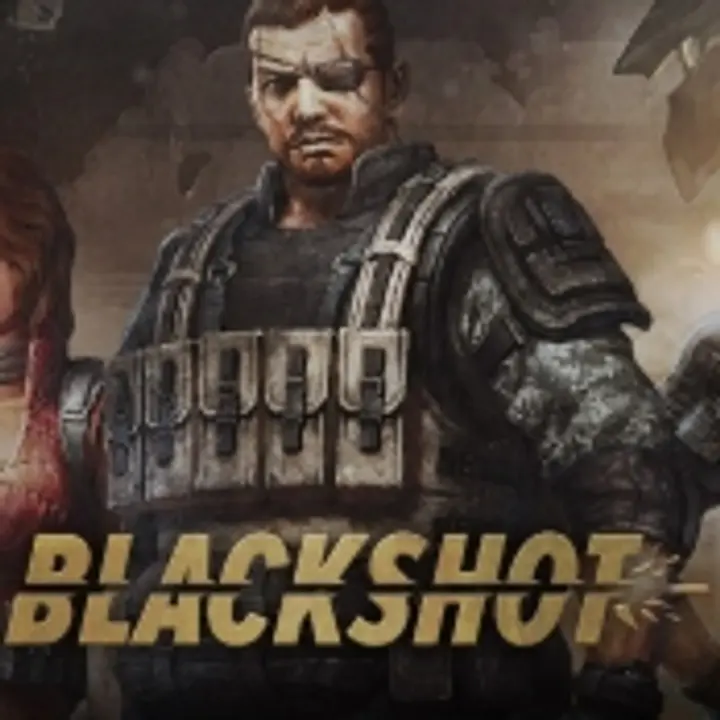
In BlackShot SEA (PC), players can choose from a diverse roster of mercenaries, each with unique backgrounds and skills that cater to various playstyles. The primary heroes include:
- Adam Garcia: An American force reconnaissance expert renowned for his exceptional gunsmithing abilities.
- Cathy: A skilled operative specializing in stealth and precision tactics.
- Travis: A combat specialist proficient in heavy weaponry and tactical assaults.
- Vanessa: An agile mercenary adept in reconnaissance and close-quarters combat.
Each character offers distinct advantages, allowing players to tailor their strategies to specific combat scenarios. The collaboration with Razer enhances this experience by providing exclusive in-game items and skins, enabling further customization and personalization of these heroes. This partnership enriches the gameplay, offering additional depth and variety in character selection and customization.
What is BlackShot SEA (PC) - Razer Link on Joytify?
BlackShot SEA (PC) - Razer Link - Razer Link on Joytify refers to a partnership or promotion that links Razer, a well-known gaming hardware brand, with BlackShot SEA on Joytify, an Indonesian digital gaming store.
Razer Link:
Razer Link is a platform that connects Razer devices (like Razer mice, keyboards, headsets, etc.) with compatible games, enhancing the gaming experience. Razer devices are often equipped with features like customizable lighting, macros, and performance enhancements that work with certain games, including BlackShot SEA.
When you see "Razer Link" mentioned in the context of BlackShot SEA, it likely refers to specific Razer gear (such as Razer mice or keyboards) being supported by the game, offering additional features like:
- Customizable lighting effects that react to in-game events (like shooting or taking damage).
- Enhanced gameplay features such as macro support, where you can set up specific key sequences for actions (e.g., quick weapon switching, skill activation).
- Optimization for Razer devices to improve responsiveness, comfort, and control during gameplay.
BlackShot SEA (PC) Minimum System Requirements
Here are the minimum system requirements for BlackShot SEA (PC):
Minimum System Requirements:
- Operating System: Windows 7 / 2000 / XP / Vista
- Processor: Intel Pentium 4 or AMD Athlon 64
- Memory: 1 GB RAM
- Graphics: GeForce 6800 or Radeon X550
- DirectX: Version 9.0
Recommended System Requirements:
- Operating System: Windows 7 / 2000 / XP / Vista
- Processor: Intel Dual Core, Intel i3, or AMD Phenom
- Memory: 4 GB RAM
- Graphics: Nvidia GTX560 or AMD HD7770
- DirectX: Version 9.0
Tips for Best Performance:
- Update Drivers: Regularly update your graphics and sound drivers to the latest versions to ensure compatibility and improved performance.
- Adjust In-Game Settings: Lowering graphics settings such as resolution, texture quality, and disabling unnecessary effects can enhance frame rates on lower-end systems.
- Close Background Applications: Terminate non-essential programs running in the background to free up system resources for the game.
- Optimize System Performance: Regularly defragment your hard drive and ensure sufficient free disk space to facilitate smoother game operations.
- Maintain System Health: Use antivirus software to keep your system free from malware, which can adversely affect performance.
These specs should help you determine if your PC can handle BlackShot SEA effectively.
How to Top Up BlackShot SEA (PC) - Razer Link
- Open the website www.joytify.com/en-ph using your PC or smartphone.
- Next, find and select BlackShot SEA (PC) - Razer Link - Razer Link.
- Then, choose the desired Top Up amount.
- Afterward, input the quantity you wish to purchase.
- The next step is to choose a payment method. You can pay using E-Wallet (GCash Grabpay, Paymaya), Over Counter (Cebuana), Transfer Bank (BPI, Banco de Oro, Metrobank, Land Bank, UnionBank).
- Enter your account details.
- Provide your Contact email address. Make sure to input an active email that you regularly use.
- Enter any Promo Code you might have. Leave it blank if you don't have one.
- Click Buy Now, and you will receive a payment code. Proceed to make the payment using your chosen method.
- Upon a successful transaction, Items will be promptly delivered to your game account. No need for registration, log-in, voucher code redemption, or entering PIN codes.