


TL;DR
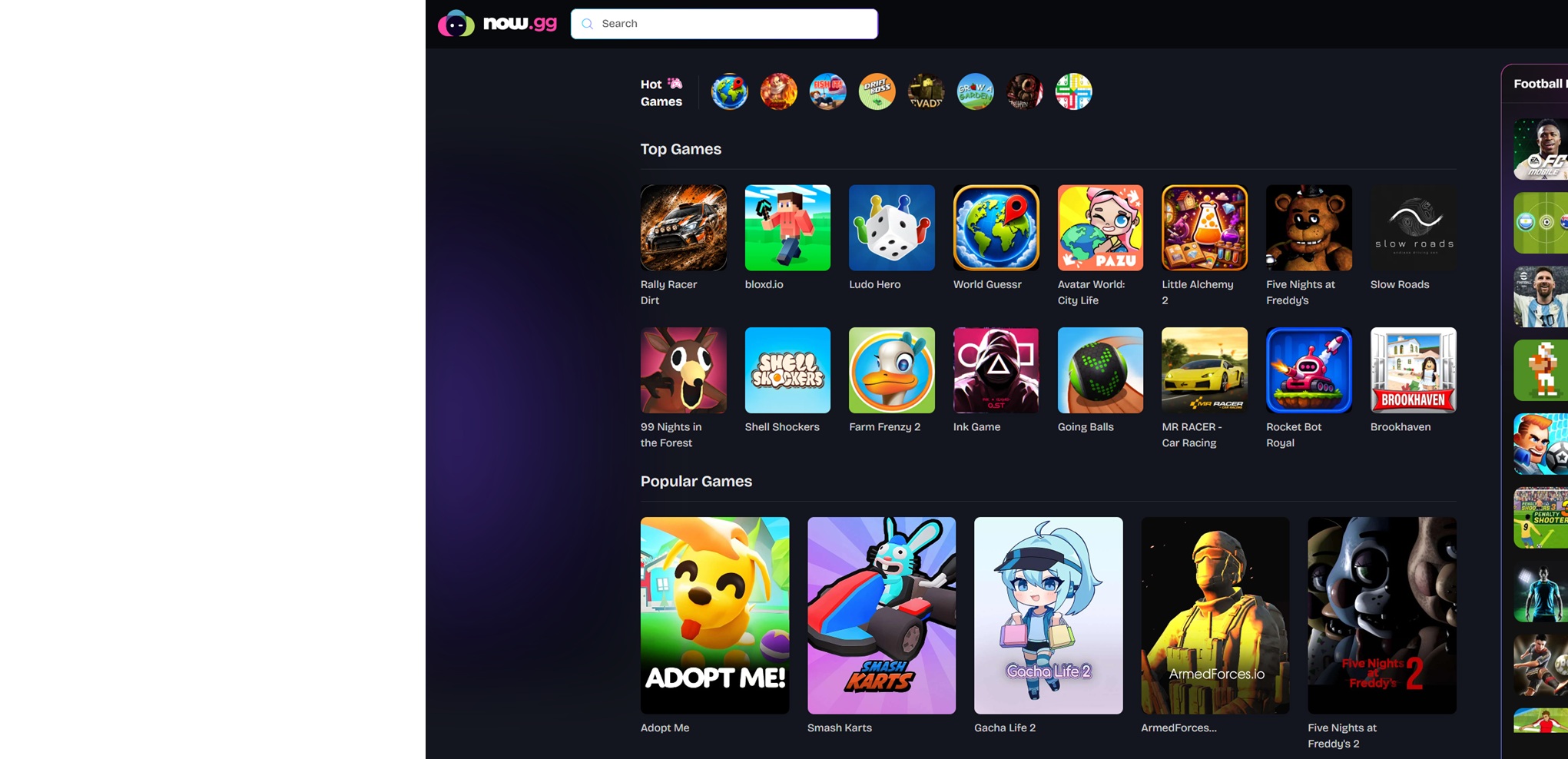
- Now.gg Roblox login lets players access Roblox through a browser without installing the game.
- Works on Windows PCs, Mac computers, Chromebooks, Android phones, iPhones, tablets, and some browser-enabled consoles.
- Ideal for low-end devices, school Chromebooks, and users who want instant access.
Disclaimer: This summary was created using Artificial Intelligence (AI)
If you’ve searched for “now.gg Roblox Login,” chances are you’re looking for a way to play Roblox without downloading the official application.
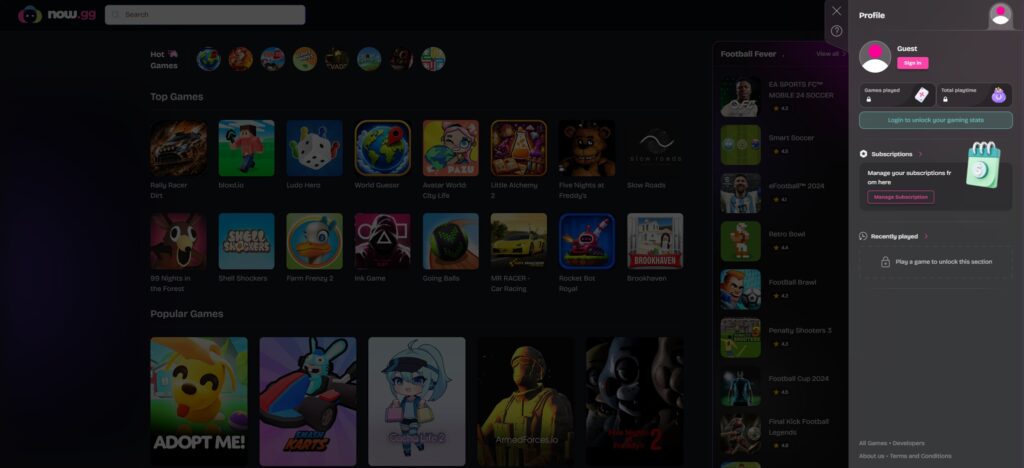
The now.gg Roblox Login system works differently from traditional game installation. Instead of running Roblox directly on your hardware, the game is hosted on cloud servers maintained by now.gg. Your browser receives a live stream of the game while your inputs are transmitted back to the server.
This means the heavy lifting is performed remotely. Your device essentially becomes a window into a cloud-hosted version of Roblox.
For players using older laptops, school Chromebooks, or phones with limited storage, this can be a significant advantage.
How Does now.gg Roblox Login Work?
Traditional Roblox setup requires:
- Downloading the launcher
- Installing game files
- Downloading updates
- Allocating storage space
- Meeting hardware requirements
The now.gg Roblox Login process eliminates most of these steps.
The platform launches Roblox from a remote Android environment powered by cloud servers. Once loaded, gameplay is streamed directly to your browser.
From the player’s perspective, the experience feels similar to watching a live video stream that you can actively control.

The Complete Guide to Play Roblox on Now GG
Step 1: Open a Supported Browser
The platform generally works best with:
- Google Chrome
- Microsoft Edge
- Safari
- Firefox
Using an updated browser is recommended to avoid compatibility issues.
Step 2: Visit now.gg
Navigate to the official now.gg website.
Avoid unofficial mirrors or third-party sites claiming to provide browser-based Roblox access.
Step 3: Search for Roblox
Use the platform’s search function to locate Roblox.
You should see the official Roblox cloud gaming page.
Step 4: Launch Roblox
Click the “Play in Browser” button.
The platform may display a short advertisement before creating your cloud gaming session.
Step 5: Complete Your now.gg Roblox Login
Enter:
- Roblox username
- Roblox password
Once authenticated, your Roblox account will load normally.
All of these features remain available.
- Friends
- Inventory
- Purchased items
- Avatar customization
- Saved progress
How to Play Roblox on Every Device Using now.gg
Windows PC Tutorial
Detailed walkthrough:
- Open Chrome or Edge.
- Visit now.gg.
- Search Roblox.
- Launch Roblox.
- Complete your now.gg Roblox Login.
- Use your keyboard and mouse as normal.
Windows users typically receive the smoothest experience because of wider browser compatibility and stronger networking support.
Mac Tutorial
Mac users can access Roblox through:
- Safari
- Chrome
- Edge
The setup process remains identical.
One benefit of using now.gg Roblox Login on Mac is avoiding compatibility issues that occasionally arise after Roblox updates.
Chromebook Tutorial
Chromebooks are one of the biggest reasons now.gg Roblox Login has become so popular. Many school-issued Chromebooks restrict software installation entirely.
Here’s how to play Roblox on Now GG with Chromebook:
- Open Chrome.
- Visit now.gg.
- Search Roblox.
- Select Play in Browser.
- Log into Roblox.
Because everything runs remotely, Chromebook hardware limitations become much less important.
Android Tutorial
Android users can launch Roblox without downloading the Roblox APK.
Steps:
- Open Chrome.
- Visit now.gg.
- Search Roblox.
- Tap Play in Browser.
- Complete login.
This approach is especially useful for devices with limited storage.
iPhone Tutorial
For iPhone users:
- Open Safari.
- Visit now.gg.
- Search Roblox.
- Tap Play in Browser.
- Login normally.
No App Store installation is required.
Tablet Tutorial
Android tablets and iPads follow the same process.
Larger displays can often provide a better cloud gaming experience than smartphones.
Can You Use now.gg Roblox on School Computers?
One of the most common search queries related to now.gg Roblox Login involves school-issued laptops and Chromebooks.
Because now.gg runs entirely through a browser:
- No installation is required.
- No launcher is required.
- No administrative privileges are required.
However, schools may still block gaming websites through network filters.
Access ultimately depends on local school policies.
Internet Requirements for now.gg Roblox Login
Internet quality is far more important than hardware specifications when using cloud gaming.
Recommended bandwidth:
| Quality | Speed |
|---|---|
| Minimum | 5 Mbps |
| Standard | 10 Mbps |
| Good | 15 Mbps |
| Best | 25+ Mbps |
Latency recommendations:
- Excellent: Under 20 ms
- Good: Under 40 ms
- Playable: Under 80 ms
- Poor: Above 100 ms
How to Improve now.gg Roblox Performance
- Close Unnecessary Tabs: Browser tabs consume memory and bandwidth.
- Use Ethernet When Possible: Wired connections typically provide lower latency.
- Reduce Network Congestion: Avoid streaming videos or downloading large files while playing.
- Lower Roblox Graphics Settings: Even cloud gaming benefits from lower graphical demands in certain situations.
Pros & Cons of Now GG
| Pros | Cons |
|---|---|
| No Downloads | Dependent on Internet Quality |
| No Installation | Potential Input Latency |
| No Updates | Ads Before Sessions |
| Lower Storage Requirements | Browser Limitations |
| Wider Device Compatibility | Some Mobile-Only Restrictions |
| Chromebook Support | Black Screen Error |
| Instant Access | Session Timeout |
Is now.gg Roblox Login Safe?
The now.gg Roblox Login process still uses Roblox’s existing security systems.
Players retain:
- Chat moderation
- Content filtering
- Account security
- Parental controls
Safety best practices include:
- Enabling two-factor authentication
- Using strong passwords
- Avoiding unofficial browser gaming sites
That’s all you need to know about this Roblox app alternative. Instead of downloading Roblox, waiting for updates, and consuming valuable storage space, now.gg Roblox Login provides a browser-based alternative that works across a wide range of devices. Whether you’re using a Chromebook, an older laptop, an Android phone, or an iPhone, cloud gaming makes Roblox accessible with just a few clicks.
TL;DR
- Now.gg Roblox login lets players access Roblox through a browser without installing the game.
- Works on Windows PCs, Mac computers, Chromebooks, Android phones, iPhones, tablets, and some browser-enabled consoles.
- Ideal for low-end devices, school Chromebooks, and users who want instant access.
