

TL;DR
- BIGO LIVE is easy to set up, but making significant earnings requires a strategic approach and understanding of the platform's mechanics.
- Choosing a niche is crucial for success; hosts should focus on their interests and identify gaps in existing content to attract viewers.
- Hosts earn through gifts converted to Beans, but actual income varies significantly based on engagement and consistency.
Disclaimer: This summary was created using Artificial Intelligence (AI)
If you searched for a complete guide or tutorials for BIGO LIVE beginners, you already know the app is easy to download and hard actually to earn on.
Anyone with a phone and a decent connection can tap “Go Live” tonight. Building a room that people return to and a Bean balance that survives contact with a real agency contract requires a different playbook than the recruitment posters promise.
We compiled this guide using BIGO’s own creator resources, the official host application flow, and the messier layer beneath: Reddit AMAs from agency owners, Trustpilot complaints, Indeed reviews from working hosts, and App Store comments from viewers who spend money in these rooms every nite.
The gap between those two sources is the whole story. Treat the numbers below as a realistic range, not a promise, and confirm every rate inside your own Wallet before you plan a budget around it.
First Steps Before You Ever Go Live
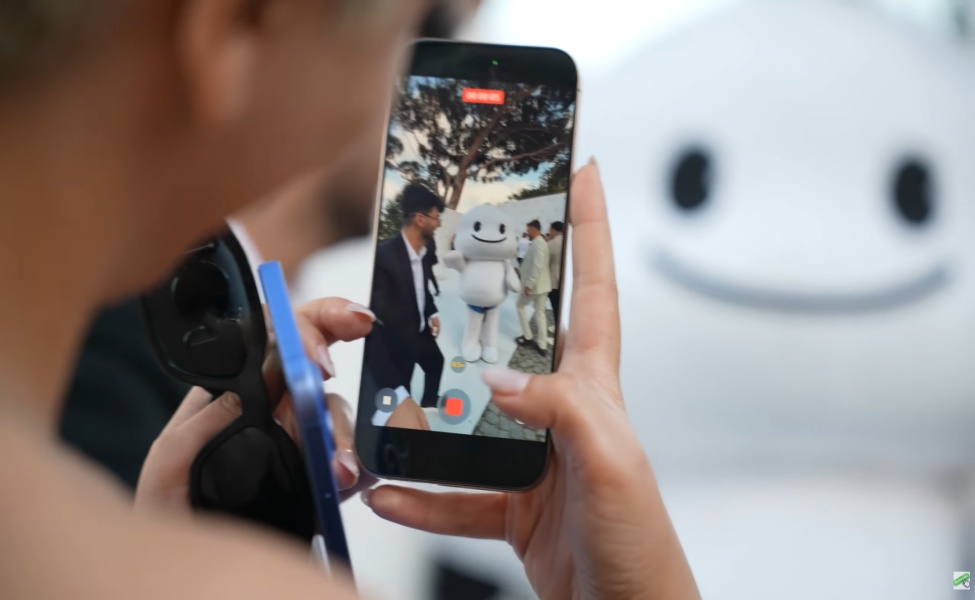
Download BIGO LIVE from the Play Store, App Store, or bigo.tv, and sign up with your phone number, Google, Apple, or Facebook account.
Grant camera and microphone access when it asks. Then build a profile that tells a stranger what you do and when: a clear face photo, a BIGO ID you’ll actually want printed on a business card later, and a one-line bio that states your format and schedule.

BIGO’s own new-streamer checklist covers the same ground: finish your profile and cover photo, pick a memorable ID, plan a simple topic for stream one, test your internet speed, set up lighting and a phone stand, prep a few conversation topics, and have a plan for telling friends when you go live.
Before any of that, spend two or three days just watching rooms in the category you’re considering.
Watch how hosts greet new joins, handle a silent chat, thank a gift the second it lands, and close out a PK. The mechanics stop feeling foreign fast once you’ve seen them run twenty times.
A few account habits matter more later than they seem to now. Keep your login private and never hand a password to a “manager” who DMs you first. Use your real identity, since withdrawal verification depends on it matching.
And if you’re weighing an agency later, know that many want a fresh account, often under about fifteen days old and a low level, so ask before you burn hours building an independent history you might have to abandon. Buying or selling an account is a fast route to a ban.
See Also: Feeling Lucky? Try the ₱150 Lucky Box for up to 2,000 Bigo Live Diamonds
Setup That Makes the First Live Feel Confident

BIGO’s own advice for new hosts is direct: lag and muddy audio kill a room faster than nerves ever will. Fix the boring stuff first.
Test your upload speed and sit close to the router if Wi-Fi is weak. Set your camera at eye level, a stack of books under the phone works fine, and light your face from the front with a window or a cheap ring light.
Never sit with a bright window behind you; your face will disappear into shadow. Clean the lens and tidy whatever’s visible in frame.

Audio matters more than video quality. Viewers forgive an average picture. They leave a room with muffled or echoing sound.
A pair of earphones with a built-in mic beats a phone sitting across the room, and a ten-second test recording before you go live catches problems you can’t hear while you’re talking.
For mental prep, sketch a ten-minute outline on a sticky note: opener, hook, icebreaker, settle-in. Talk as if someone is already watching, because BIGO’s replay system means empty rooms still pick up viewers after the fact. You don’t need a studio for your first stream.
A charged phone, decent light, and an outline beat expensive gear that arrives after you’ve already lost momentum.
How to Go Live (Phone)
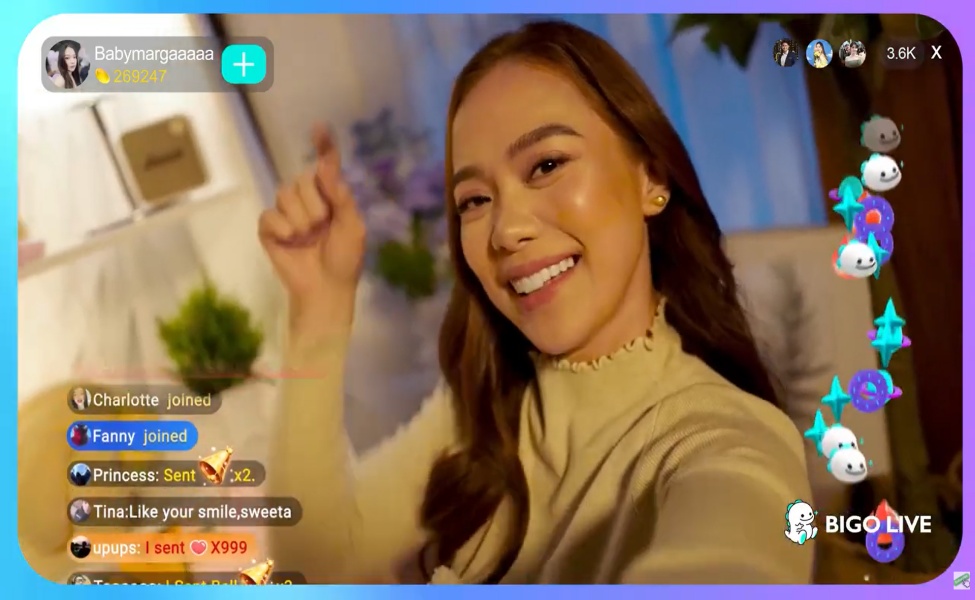
Tap the center Go Live button, pick a mode, add a title, choose a cover photo, tag a category, and start.
Your mode options are LIVE for solo video (the standard first choice), Audio LIVE for voice-only rooms, Multi-guest for bringing friends on screen, Virtual LIVE for an avatar, and Game LIVE for a phone-game overlay, which needs the game installed and “display over other apps” permission granted beforehand.
PC broadcasters can use BIGO Streamer software or OBS with a BIGO stream key, but a phone is enough to start.
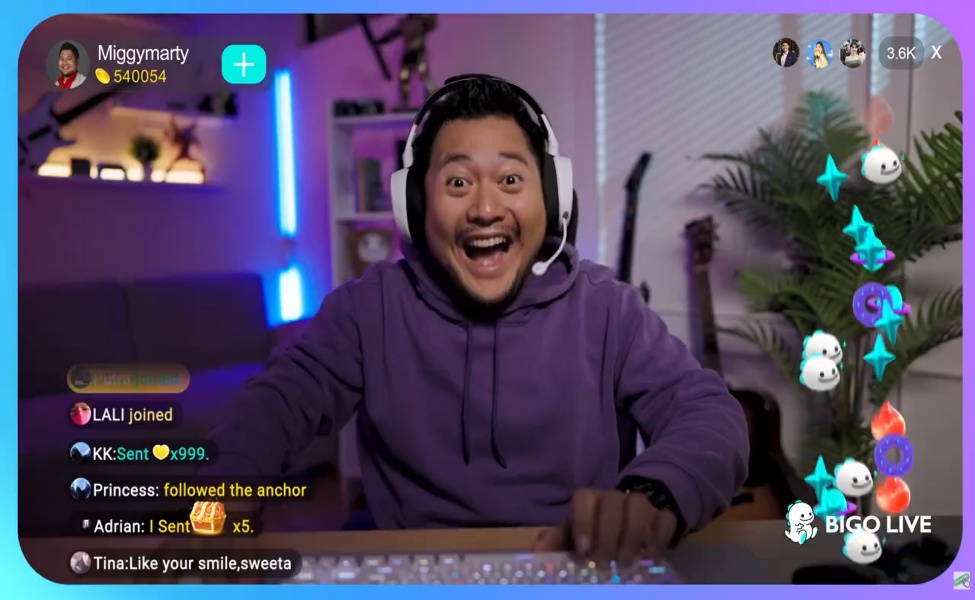
Titles decide if a stranger clicks. “Late Night Chill Talk,” “Mobile Game Grind,” and “Live Singing Requests” tell a browsing viewer exactly what they’re walking into. “Hi” or “Chatting” tells them nothing, and the algorithm has less to match you against.
The moment you’re live, share the link to WhatsApp, TikTok, Instagram, and Facebook. Your first viewers usually come from outside the app, not from the Hot Page.
See Also: Poppo Live: Is Poppo Live Safe and How to Earn Fast on the App?
First 10 Minutes: Official Playbook
BIGO’s own first-stream guide breaks the opening ten minutes into three phases, and it’s worth following almost word for word until it becomes instinct.
In the first two minutes, smile, welcome people by name as they join, and introduce yourself with one concrete hook: “I’m Maya, I cook 20-minute meals after work” tells a scroller more than “hey guys.” State what tonight’s stream is about in one sentence.
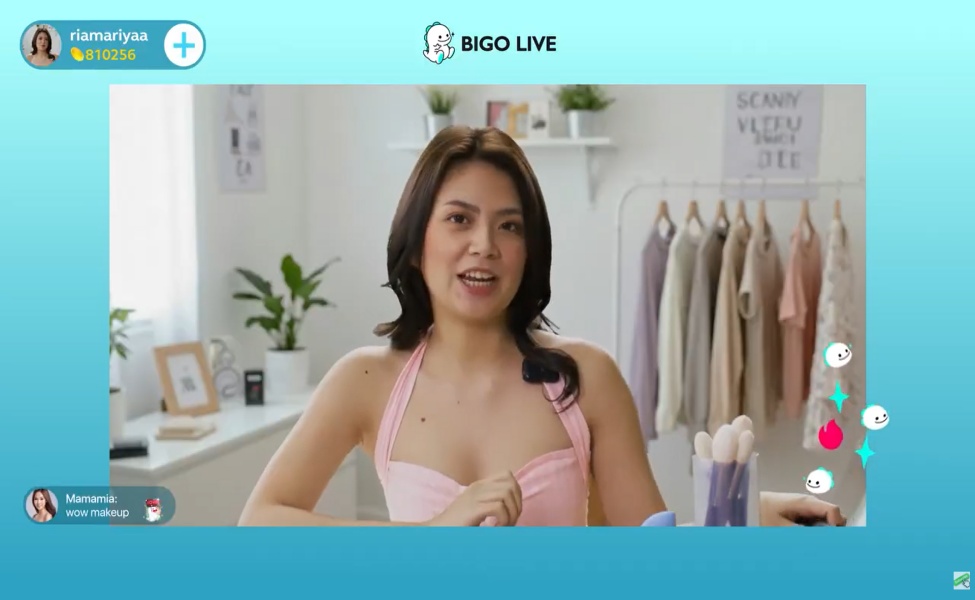
From two to five minutes, ask an easy question like “where are you watching from?” and narrate what you’re doing if chat stays quiet. Silence on your end reads as dead air. The second someone types, use their name in your reply.
From five to ten minutes, build on whatever the room gave you, restate the stream’s purpose for anyone who just joined, and laugh off any stumble rather than resetting to a script. Authenticity reads better than a flawless read-through.
If nobody shows up, deliver the content anyway. Replay viewers see your energy later, not your panic in the moment. If a troll shows up, mute or block quietly and keep moving; arguing on camera is a losing move every time. Keep your first few streams to fifteen or thirty minutes, and end by thanking the room and naming your next scheduled time.
How to Choose a Niche
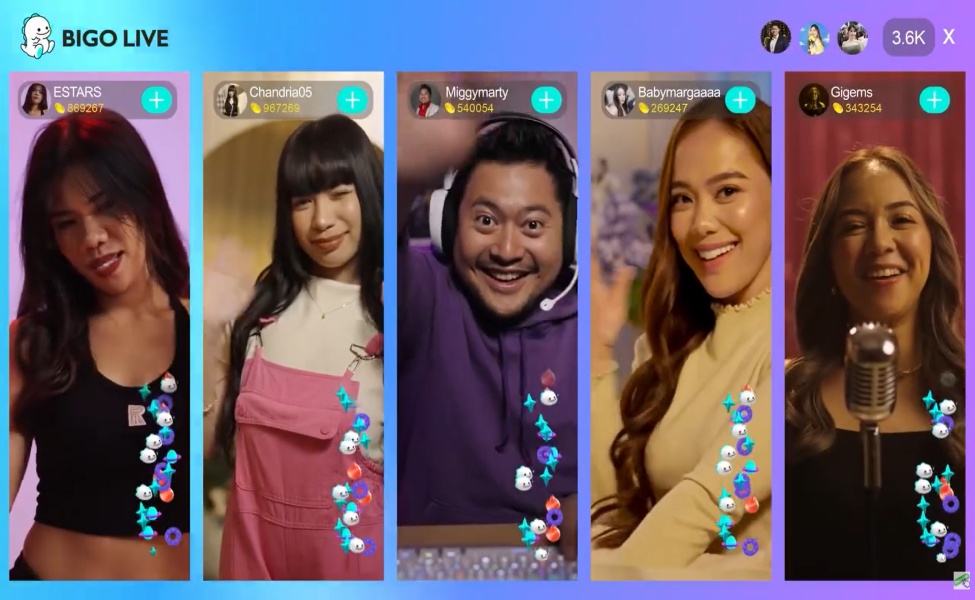
BIGO is blunt about this in its own guidance: you can’t be everything to everyone, and a niche is the reason people come back. The platform’s five-step method starts with you, meaning your actual interests, energy level, and the hours you can realistically keep.
Next comes the scene: watch the category you’re eyeing and find the gap, since if every cooking room is doing elaborate dinners, a 20-minute-meal format stands out. Then think about your people, meaning who’s likely watching and what they want from the room.
Fourth is a brand kit: a name, a consistent photo style, a background, and a schedule line in your bio. Finally, test it live and keep whatever chat actually responds to.

Formats that keep coming back across BIGO’s community include just-chatting and lifestyle rooms built on personality and loyalty, music and singing rooms where song requests drive gifting, single-skill talent rooms like dance or comedy, mobile esports commentary for titles like MLBB or Free Fire, beauty and get-ready-with-me formats, cooking and DIY process content, ASMR and late-night calm talk, and language-exchange rooms with a global audience.
The common thread from hosts who’ve made it work: pick something you can talk about for hours even on a night when the gifts stay at zero. Switching themes nightly resets both the algorithm’s read on you and the audience that was starting to recognize you.
Rico Tian, one of Indonesia’s most cited BIGO earners, built his room around ordinary daily life rather than a gimmick, and his public advice sticks to fundamentals: good lighting, a clear face on camera, consistent output, a strong Family, and not quitting in the first slow weeks.
Singapore’s Angel Chooi is often cited for the same pattern from a different angle: daily streams, a visual hook through costume changes, and real-time engagement with chat.
Filipino hosts interviewed about their own growth repeat the same three pillars: authenticity, a schedule people can plan around, and talking with chat instead of at it.
How Money Actually Works
Three currencies run the whole economy. Diamonds are what viewers buy with real money; they cannot be cashed out, and private Diamond trading is against the rules.
Gifts are bought with Diamonds and sent into a room as an animation. Beans are what a host actually receives from those gifts, and Beans are what get withdrawn, subject to age, verification, and payout rules.
BIGO doesn’t publish an exact Bean-per-gift table, but a commonly reported and widely cited rate puts roughly 210 Beans at $1 USD, worth confirming in your own Wallet since it shifts by region and contract.
The typical minimum cash-out sits around 6,700 Beans, close to $32, with a per-request cap often described near 1,050,000 Beans and about one withdrawal a week for independent hosts. Processing commonly takes three to seven business days through Payoneer or bank transfer, and both carry strict name-matching rules.
You need to be 18 or the local age of majority to buy Diamonds, receive gifts, earn Beans, or withdraw, and identity verification is required before any of that works.
There are four main paths to income. Gift income on regular streams starts the moment you go live, no contract required. The in-app referral program pays out for inviting new users, with rates that vary by region.
The official host program adds a salary and bonus tier on top of gift income once you’re hitting monthly hour and Bean targets, usually through an agency, though the agency’s cut depends on your specific contract.
Becoming an agent, meaning recruiting and managing other hosts, is a later step and not something to plan around as a beginner. PK battles, Family events, the Task Center, Audio Live, and short-video features can all add extra Beans, but they’re accelerators on top of a working room, not a substitute for one.
See Also: Is ANANTA Out? Combat, Cities & Release Breakdown
Regular Host vs. Official Host
A regular host can tap Go Live today with no application and earns gifts converted straight to Beans, with no hour requirement from BIGO.
An official host applies through the Creator Center or the official host page, usually through an agency, and gets a salary or bonus tier layered on top of gift Beans, but with quotas attached: commonly reported figures land around 30 hours a month spread across roughly 15 days, with session minimums and a monthly Bean target.
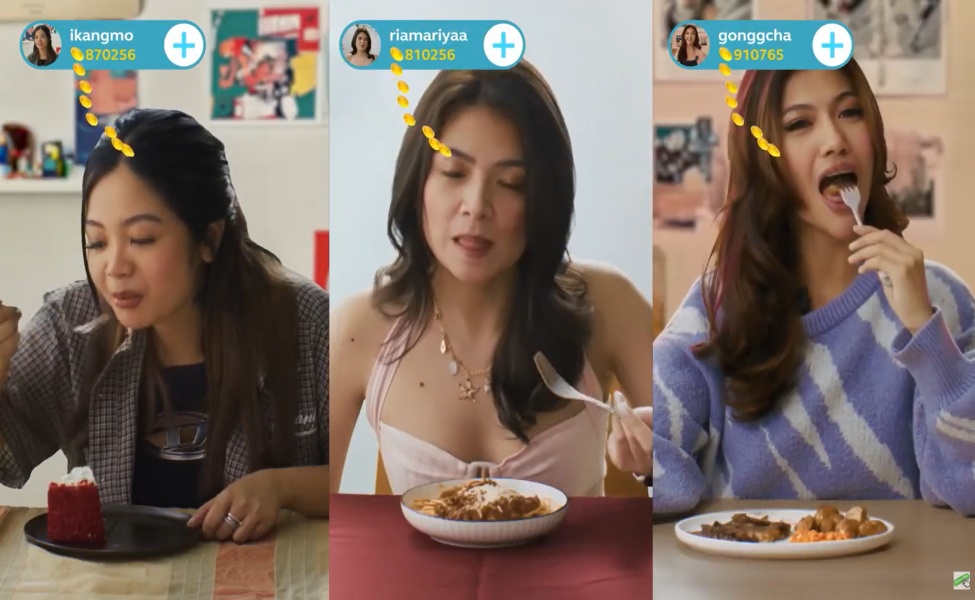
The application path itself is straightforward: go to Me, then Creator Center, then Live Services, then Apply for Official Hosts, pick an agency, and join, or use BIGO’s official apply page. Expect a short live audition.
A legitimate agency never charges an upfront joining fee, and that single rule filters out most of the scams in this space.
Families are in-app groups of hosts who back each other up in PK battles and events; join one once you understand how a room actually runs, since creating your own has member and activity requirements you won’t meet on day one.
Reported first-month earnings in the $100 to $650 range that show up in agency recruitment posts aren’t guaranteed.
Most new rooms earn very little until a small group of regulars forms, and BIGO’s own materials are more honest about this than the recruiters: early weeks can pay close to nothing, and a few months of consistency is usually the point where gift income becomes real.
The top-end numbers you’ll see for Rico Tian or Angel Chooi, sometimes described in the tens of thousands per month, describe outlier celebrity rooms with years of history, not a beginner forecast.
Real Tactics Hosts Use to Earn from Scratch
Top-tier broadcasters manipulate the social dynamics of the room to convert lurkers into spenders.
- The Recognition Trigger: Thank every gifter by name the precise millisecond their animation hits the screen. Positive reinforcement is the core driver of whale gifter psychology. Use milestone framing (“At 50 roses, we switch games”) rather than begging.
- Schedule Locking: Broadcast at the exact same time every day. Evening prime time (7 PM – 10 PM local) holds the highest concentration of active spenders.
- PK (Player Knockout) Tactics: Two hosts battle on a split screen while fans gift to push their host’s progress bar. The absolute adrenaline spike of a VIP gifter dropping a massive dragon animation in the final three seconds to steal a PK win is unmatched. Joining a Family (in-app broadcaster factions) provides backup for these battles, preventing the crushing tilt of losing a 10-win streak.
- Cross-Promotion: Clip your best 15-second reactions and funnel them into TikTok, Shorts, and Reels using your BIGO ID to farm outside traffic.
A Realistic 30-Day Beginner Plan
Ignore the recruitment ads promising $10,000 in your first month. Here is the actual progression path:
- Days 1–3: Configure your profile, watch 10 rooms in your chosen niche, and run a 15-minute test stream to break the ice.
- Days 4–10: Execute 3 to 5 broadcasts, 30-60 minutes each, in the exact same time slot. Practice greeting viewers and reading the chat while performing your content.
- Days 11–20: Integrate structured segments like song requests or specific game challenges. Run your first low-stakes, friendly PK.
- Days 21–30: Analyze your Creator Center data. Identify which days pulled the highest retention. If you have built a small base of regulars, evaluate if you want to apply to an agency or continue stacking Beans independently.
Rules That Get People Banned or Unpaid
The AI moderation tools are highly sensitive. A shadowban or sudden account suspension means your unpaid Beans vanish.
You must strictly adhere to the Terms of Service. Hard violations include nudity, gambling promotion, hate speech, and broadcasting copyrighted music. “Negative streaming,” such as walking away from the camera, leaving a black screen, or running a pre-recorded video to farm hours, will result in immediate punitive action.
Always maintain a visibly active, PG-13 environment. If a ban hits incorrectly, use the official feedback@bigo.tv channel and document everything.
See Also: Nodusfall Revealed: HoYoverse’s Gamescom Wildcard
Scams and “Insider” Noise to Ignore
Trust the official app menus and bigo.tv over anyone messaging you first on Telegram. The recurring red flags from hosts who got burned: being asked to pay a fee to get “approved” as an official host, offers to sell a pre-leveled account or cheap Beans and Diamonds, anyone offering to gift you toward a rank if you send money first, an agency that won’t put hours, salary structure, and Bean split in writing, and any request for your withdrawal password or SMS verification codes.
A working agency relationship looks the opposite of that: an audition, a written contract, real training, Family support, and no joining fee of any kind.
Reddit and Trustpilot both surface a second pattern worth knowing before you sign anything: hosts who join the first agency that messages them and later can’t get released, even when their contract lists a 30-day notice period.
Ask about the release clause before you apply, not after you’re stuck in a room politics you didn’t choose.
Official Places to Keep Learning
Inside the app, the Creator Center, Task Center, and Help and Feedback sections cover most day-to-day questions.
The official host application lives at bigo.tv/apply-bigo-host-agency, and BIGO’s own how-to library on bigo.tv/blog covers becoming a host, earning money, the first ten minutes, finding a niche, Families, Game Live, and social promotion in more depth than any single article can.
The Community Guidelines and User Agreement inside the app are worth a real read, not a skim, and BIGO’s official “BIGO Tutorial” playlist on YouTube walks through the Go Live flow, PK mechanics, the cash-out screen, and PC connector setup on video.
See Also: Top Up Genshin and ZZZ with UID Only: No Login Needed & Zero Chargeback Risk
A complete guide or tutorials for BIGO LIVE beginners has to hold two things at once: the app genuinely pays out, and the path there is slower and less glamorous than the recruitment posts suggest.
Start as a regular host with a niche you can talk about for an hour on a bad night, a fixed schedule, and a habit of naming every gifter instead of asking for anything. Learn PK once you can already hold a room on your own.
Cash out through the official Wallet only, after verification, and read any agency contract twice before you sign it, paying attention to the hours, the Bean target, and the release clause. The hosts who last aren’t the flashiest on night one.
They’re the ones who show up on schedule, stay inside the rules, and make a handful of strangers feel like regulars.
Drop your highest PK win streak in the comments, tell us if joining an agency was worth the revenue split for you, and name the virtual gift animation that still makes your chat go off when it lands.
FAQs
Most beginners see their first meaningful Bean balance after two to four weeks of consistent streaming, though actual cash withdrawals often require meeting a minimum threshold that can take one to three months to reach. Building a loyal returning audience is the key factor that separates streamers who earn from those who stall out early.
Interactive niches like casual gaming, live Q&A, and talent-based streams such as singing or art tend to attract organic viewers faster because the platform's discovery algorithm favors engagement over follower count. Picking a niche you can stream consistently at least four to five times per week matters more than chasing whatever topic is currently trending.
Beans are the currency viewers send to streamers as virtual gifts, while Diamonds are what streamers convert those Beans into before requesting a cash withdrawal. The conversion rate means you receive less than face value, so understanding the exchange ratio during your setup phase helps you set realistic earning expectations from the start.
TL;DR
- BIGO LIVE is easy to set up, but making significant earnings requires a strategic approach and understanding of the platform's mechanics.
- Choosing a niche is crucial for success; hosts should focus on their interests and identify gaps in existing content to attract viewers.
- Hosts earn through gifts converted to Beans, but actual income varies significantly based on engagement and consistency.